AI Travel Video Prompts and Shot Planning Guide
Learn how to plan shot lists, write effective travel prompts, and generate realistic destination clips with ambient audio for your social channels.
By Qiroq team · Published
Creating a compelling ai travel video starts with breaking down a destination into short, atmospheric beats rather than trying to render a long continuous journey. Using a text to video workflow allows travel creators, tour operators, and destination marketers to produce high-impact scenic clips, ambient B-roll, and promotional reels without waiting weeks for weather windows or traveling with heavy gear.
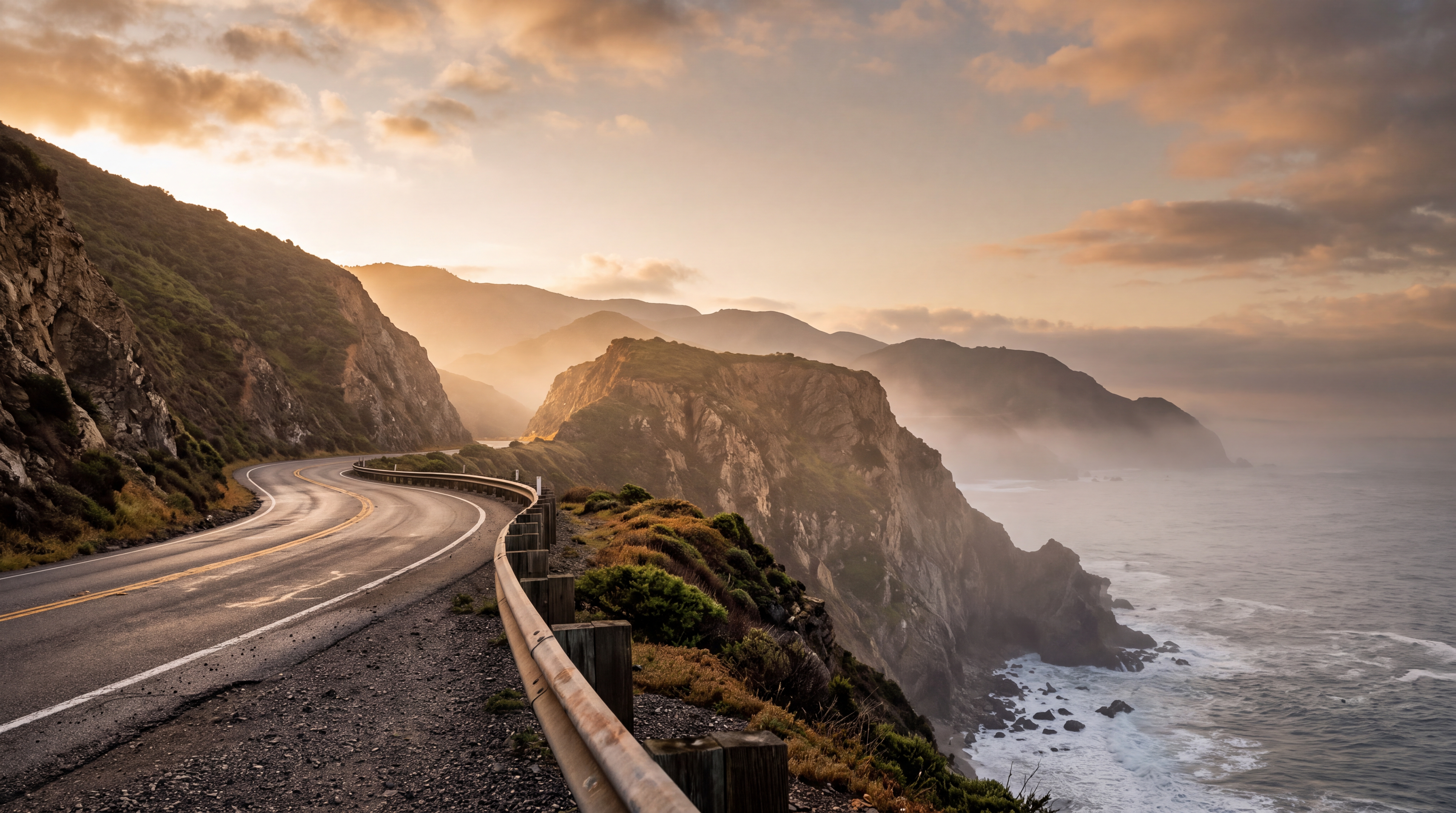
Whether you are building social content for Instagram Reels, YouTube Shorts, or a hotel landing page, combining structured prompts with smart shot planning makes generated clips look intentional and cohesive.
Why Travel Content Works Best in Short Shots
AI video tools excel when focused on specific physical details, environmental movement, and clear lighting. However, AI generators have natural boundaries you should plan around. They are not effective at creating exact readable text on flight boards, precise brand logos on luggage, or single unbroken shots longer than a few seconds.
Because generated clips come in 5, 10 or 15 seconds lengths, the most effective travel video strategy treats every clip like a piece of high-end stock footage. You construct full narratives in your editing software by stitching together four or five distinct visual angles.
When planning your clips, pick resolutions that fit your distribution channel. Vertical social feeds benefit from crisp detail, while web hero banners need clean horizontal framing. You can select between 480p, 720p and 1080p resolutions depending on your destination campaign requirements.
Building a Balanced Travel Shot List
A convincing destination teaser relies on variety. When drafting prompts for a location series, avoid generating five variations of the exact same ocean sunset. Instead, follow a standard travel editing shot list that covers setting, detail, and emotion.
- Establishing Shot: A wide, sweeping perspective that anchors the location, such as a mist-covered mountain peak or an old town skyline at twilight.
- Detail Shot: An intimate close-up focusing on local textures, like steam rising from a morning espresso cup on a sunlit stone terrace.
- Motion Shot: A camera movement clip that adds visual momentum, such as a slow pan along a turquoise coastline or tracking behind a walking traveler.
- Ambient Atmosphere: A subtle, looping mood shot, such as street lanterns glowing on rain-slicked cobblestones or palm trees swaying in sea breezes.
Travel Video Prompts You Can Use Today
To get realistic results, describe camera angles, lighting conditions, and natural physics clearly in your prompt. You can choose from built-in visual presets including Cinematic, Documentary, Anime, 3D Render, Vlog and Product to instantly set the aesthetic tone of your footage.
If you want to understand how specific descriptors influence lighting and camera movement, read our guide on how to write prompts that produce usable video. Here are tested travel prompts for common destination themes:
### Cinematic Coastal Sunset Prompt: Wide drone shot lowering slowly over gentle turquoise ocean waves breaking on black sand beach, dramatic golden hour light, soft sea spray, volumetric haze, cinematic style.
### Historic European Street Scene Prompt: Low-angle tracking shot along a quiet narrow stone alley in Florence, morning sunlight filtering through ivy-covered archways, warm glow, soft focus background, documentary style.
### Alpine Hiking Adventure Prompt: Eye-level camera following behind a hiker walking along a ridge trail, panoramic mist-covered snow capped mountains in background, cool crisp daylight, vlog style.
### Tropical Resort Poolside Prompt: Slow pan across clear blue infinity pool overlooking tropical jungle canopy, bright afternoon sunlight reflecting off water surfaces, warm summer atmosphere, product style.
Soundscapes and Audio Integration
Visuals tell only half the story in travel marketing. Atmospheric audio—like rustling palm leaves, distant ocean swells, soft rain, or ambient cafe murmurs—grounds the visual and makes the scene feel authentic to the viewer.
Generating native audio directly alongside your visual clips keeps sound synchronized with visual motion, saving time in post-production audio mixing. You can explore how integrated sound works on our AI Video with Audio tool page.
Planning Production Costs and Output
When generating travel media campaigns, managing rendering credits helps keep production budgets predictable. Different resolutions and clip lengths consume different credit amounts from your plan balance.
For example, generating a 5-second 1080p clip costs 100 credits, while a 10-second 1080p clip costs 200 credits. Standard 480p preview renders start as low as 30 credits for 5 seconds, making it easy to test prompts before rendering full high-definition assets.
Every new account receives 500 free credits upon registration at /signup without requiring a credit card, allowing you to test shot lists immediately. To review monthly seat allowances and credit pricing options for team workflows, visit our /pricing page.
Frequently asked questions
- What video lengths and resolutions are available for travel clips?
- You can generate travel video clips in 5, 10 or 15 seconds lengths. For video quality, Qiroq supports 480p, 720p and 1080p resolutions to fit different platform requirements.
- What visual style presets can I use for my travel prompts?
- Qiroq provides visual presets including Cinematic, Documentary, Anime, 3D Render, Vlog and Product. Selecting a preset helps instantly establish the aesthetic tone of your destination video.
- How many credits do I need to generate a video clip?
- Credit costs vary based on clip duration and resolution. A 5-second 1080p clip costs 100 credits, whereas a 10-second 1080p clip requires 200 credits. A basic 5-second 480p preview costs 30 credits.
- Can I test the platform for free before subscribing?
- Yes, new users get 500 free credits upon registration with no credit card required. You can use these credits to test prompts and create your first travel clips right away.