Video Hook Ideas for Short Form AI Clips
Discover high-retention video hook ideas for short form clips, prompt formulas to generate them with AI video, and how to stop the scroll instantly.
By Qiroq team · Published
A short-form video hook must capture visual curiosity, high motion, or dramatic lighting within the first frame to stop users from swiping away. When creating short clips for social feeds, the opening frame acts as your thumbnail and headline combined. Using AI video allows creators, marketers, and small businesses to construct cinematic, high-retention opening shots directly from text prompts without needing physical camera gear, studio lighting, or complex VFX shoots.
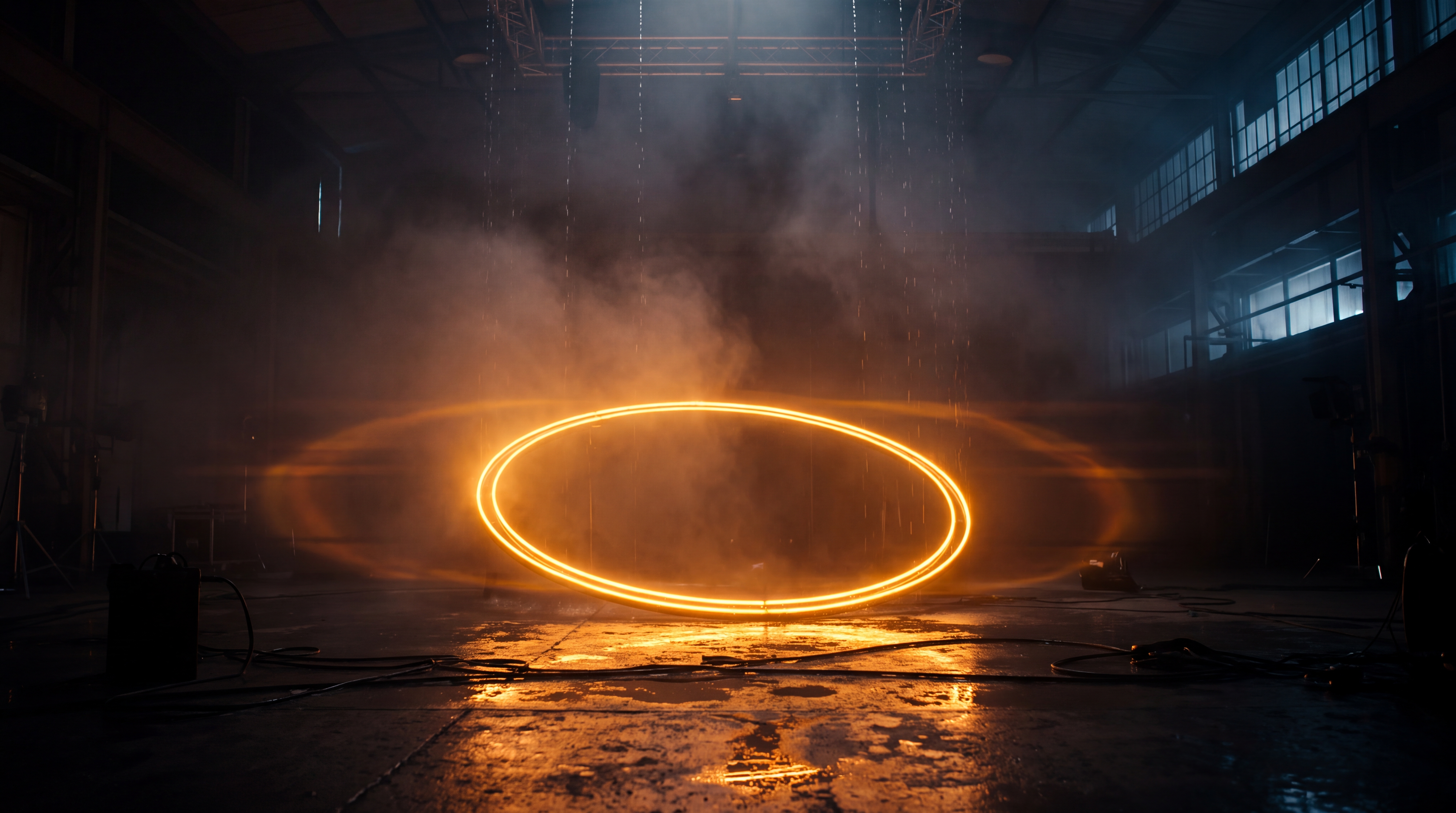
Platform algorithms monitor early drop-off rates closely. If viewers swipe past your video during the first second, overall reach drops significantly. Crafting dedicated video hook ideas short form audiences respond to is no longer optional—it is the foundational layer of short-form content strategy.
The Core Mechanics of a Great Visual Hook
Effective hooks rely on immediate cognitive engagement. Before a viewer reads a caption or processes voiceover audio, their eyes react to contrast, motion, and perspective. When generating AI video clips for your openers, focus on three fundamental visual triggers:
- Pattern interruption: Introducing an unexpected movement, lighting change, or scene structure that disrupts predictable feed scrolling.
- Directional camera movement: Using fast forward zooms, sudden side pans, or overhead tracking shots to create an immediate sense of momentum.
- High visual detail: Rich textures, dramatic macro lighting, and atmospheric depth that instantly signal professional production quality.
When you pair compelling visual motion with matching audio effects, the impact doubles. Viewers decide whether to stay within two or three frames, making visual intensity right at second zero essential.
5 Tested Video Hook Ideas for Short Form AI Clips
Here are five practical visual hook concepts you can create immediately using text prompts, complete with prompt formulas designed for AI generation tools.
- The Extreme Macro Reveal: Start extremely close on a textured surface—such as drops of water on a dark leaf, hot steam rising from roasted coffee beans, or gleaming metallic gears—and rapidly pull back. Prompt example: Cinematic macro shot of dew drops glistening on a dark violet flower petal, dramatic slow pull-back camera motion, volumetric lighting, photorealistic texture.
- The Impossible Overhead Drop: Position the camera high above a landscape or scene, descending rapidly toward a central subject. This creates instant depth and motion cues. Prompt example: Documentary style camera shot dropping rapidly from low clouds down toward a stormy ocean lighthouse, dark moody atmosphere, wide angle lens.
- The High-Speed Tracking Intercept: Capture an object or subject moving across the frame with heavy motion blur in the background while keeping the subject sharp. Prompt example: Vlog style cinematic tracking shot of a silver sports car speeding down a rainy neon-lit city street at night, reflection on wet asphalt, smooth dynamic camera movement.
- The Atmospheric Light Shift: Begin in shadow or monochrome, then flood the frame with warm sunlight, neon backlight, or vivid color within the first second. Prompt example: 3D Render of a shadowy futuristic room suddenly illuminated by a pulsing turquoise light source, detailed atmospheric fog, dramatic camera tilt upward.
- The High-Impact Product Splash: For commercial and e-commerce creators, start with liquid, powder, or energy exploding around a central space where your product will sit. Prompt example: Product style cinematic shot of crystal clear water splashing upward against a dark studio background, high speed camera, ultra crisp motion freeze effect.
Writing AI Prompts for Maximum Opening Motion
Generating an effective video hook requires descriptive prompt language that explicitly instructs the AI on camera movement, lighting, and environmental atmosphere. Generic text inputs often yield static shots that fail to grab attention.
To maximize visual energy in the first second, structure your prompt using this four-part formula:
- Visual Style: Specify styles such as Cinematic, Documentary, Anime, 3D Render, Vlog and Product to set the visual baseline immediately.
- Subject and Action: Define what is happening in the frame and how it moves.
- Camera Dynamics: Describe explicit camera work such as fast zoom, pan left, drone sweep, or macro tracking.
- Lighting and Atmosphere: Add terms like volumetric fog, golden hour lighting, lens flare, or high contrast neon to boost visual richness.
On Qiroq, you can generate clips in lengths of 5, 10 or 15 seconds and resolutions including 480p, 720p and 1080p. For short-form hooks, 5-second or 10-second clips are ideal because they provide quick, high-energy beats without fluff. For instance, generating a 5-second clip at 1080p resolution uses 100 credits, while a 5-second clip at 480p resolution costs 30 credits. A 10-second 1080p clip costs 200 credits, giving you plenty of flexibility to test different hook styles.
Understanding Technical Limits for AI-Generated Openers
While AI video generation provides unprecedented speed and creative control, knowing its current constraints prevents wasted iterations.
AI video models struggle with exact on-screen text legibility, branded logos, and multi-minute continuous character actions. If your hook relies on crisp text titles or brand marks, generate the pure visual shot with AI first, then overlay crisp vector text and logos inside your final editing application.
Additionally, native sound layer synchronization adds realistic depth to visual hooks. Pairing visual motion with natural sound—such as rushing wind, roaring engines, or ambient atmospheric hums—dramatically improves viewer retention. You can learn more about how native sound layers function in our guide to text to video with sound.
Step-by-Step Workflow: From Hook Prompt to Finished Short
To build a smooth daily or weekly production routine, follow this step-by-step assembly process:
- Identify your core video topic and select one of the five hook categories above that fits your message.
- Draft a focused text prompt specifying movement, visual style, and dramatic lighting.
- Generate your opening clip using Text to Video or the main AI Video Generator on Qiroq. New users receive 500 free credits upon sign-up without needing a credit card.
- Import your generated hook clip into your video editing software, placing it at second 0.0 of your timeline.
- Trim the clip down to the most intense 1 to 2 seconds of movement, transitioning immediately into your main narration or product demonstration.
- Overlay clear text captions and background audio to reinforce your visual hook.
If you want to streamline your overall short video production, explore our complete breakdown on how to make YouTube Shorts with AI video or read our specialized AI Video for Instagram Reels Workflow Guide. By mastering the first second with bold AI video prompts, you give every short video you post the best possible chance to capture attention and grow your audience.
Frequently asked questions
- How do I write an AI prompt for a strong video hook?
- You can structure your prompt using a four-part formula: visual style, subject and action, camera dynamics, and lighting or atmosphere. Choosing styles like Cinematic, Documentary, Anime, 3D Render, Vlog and Product and specifying explicit camera movements helps maximize visual energy in the opening frames.
- How many credits does generating a video clip cost on Qiroq?
- Credit costs depend on the chosen length and quality, such as 100 credits for a 5-second 1080p video or 30 credits for 480p. Longer options, like a 10-second 1080p clip, cost 200 credits. Overall video costs range from 10 to 320 credits across available resolutions.
- What video durations and resolutions can I generate on Qiroq?
- Qiroq allows you to generate clips in lengths of 5, 10 or 15 seconds. You can select from resolutions including 480p, 720p and 1080p depending on your account plan and content needs.
- Can AI video generators create clear text and logos in clips?
- No, current AI video generation struggles with exact text legibility and branded logos. The recommended workflow is to generate the high-motion background visual first and overlay text or logos later in an editor.