AI Video for Instagram Reels Workflow Guide
Learn how to generate cinematic AI video for Instagram Reels, write effective prompts, pick the right resolution, and build engaging content.
By Qiroq team · Published
Creating high-performing AI video for Instagram Reels comes down to generating short, visually striking clips from text prompts and turning them into engaging vertical posts. By using a text to video tool like Qiroq, you can produce custom visual hooks, aesthetic B-roll, and product showcases without needing camera equipment, lighting rigs, or actors.
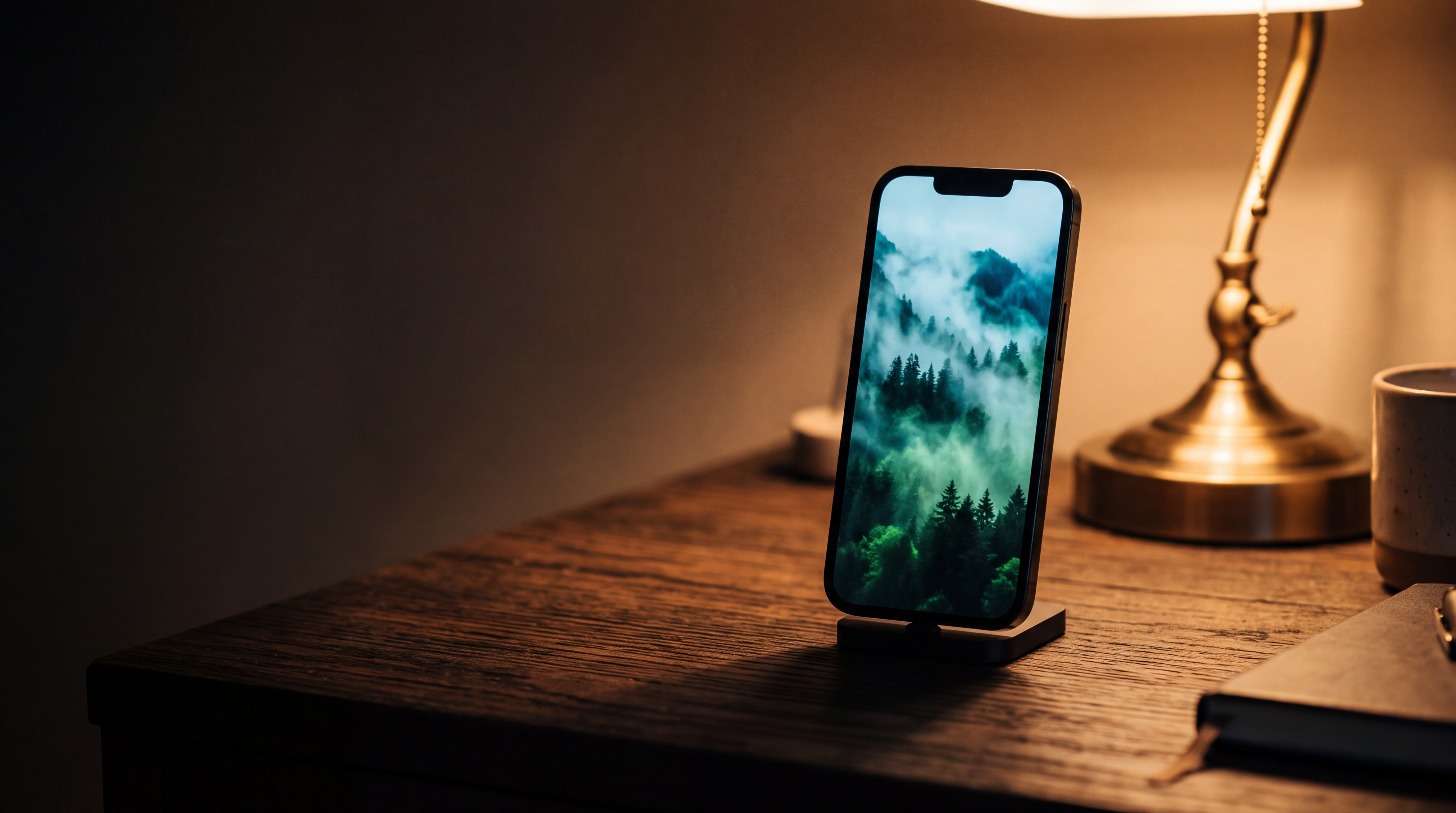
Whether you are building a personal brand, running an e-commerce shop, or managing client accounts, AI video helps you maintain a consistent post schedule. This guide walks through the ideal technical settings, content formats, prompt formulas, and workflow tips for creating Reels that capture attention in the feed.
Essential Video Settings for Instagram Reels
Instagram Reels rely heavily on mobile-first formatting. To ensure your generated video looks sharp and natural on smartphone screens, keep these three technical specifications in mind:
- Vertical Framing: Include framing cues in your prompt like 'vertical composition' or 'portrait perspective' to keep the main subject centered on mobile screens.
- Clip Lengths: AI generators produce clips in 5, 10 or 15 seconds. Short 5-second and 10-second clips are ideal for fast-paced social edits and continuous visual loops.
- Resolution Choice: High definition keeps your feed looking professional. While 480p is great for quick concept tests, rendering final assets in 1080p delivers crisp details on retina screens. You can review resolution differences in our guide on 480p, 720p or 1080p resolution selection.
3 Proven Instagram Reel Formats Powered by AI
You do not need to appear on camera to create engaging Instagram Reels. Several popular reel formats rely almost entirely on atmospheric visual clips paired with text overlays or voiceovers:
- Background B-Roll for On-Screen Text: Accounts posting business tips, inspirational quotes, or educational slides need high-quality background video. Instead of relying on overused stock footage, generate bespoke scenes like rain dripping down a cafe window, a modern office workstation, or glowing neon city streets.
- Dynamic Product Highlights: For brand owners, AI video provides studio-grade product placements. Select styles like Product or 3D Render to showcase items in dramatic settings, such as a bottle of perfume surrounded by floating flower petals or a sneaker suspended in glowing light.
- Multi-Cut Storytelling Shorts: Combine three or four distinct 5, 10 or 15 seconds clips to create a 15-to-30 second narrative. For travel or lifestyle brands, cut between aerial landscape views, close-ups of coffee pouring, and sweeping beach sunsets.
How to Write AI Video Prompts for Instagram
Writing effective prompts is the single most important skill when generating social video. AI video generators perform best when given clear descriptions of the subject, environment, lighting, and camera motion. For a deep dive into prompt mechanics, explore our full guide on how to write prompts that produce usable video.
When writing prompts specifically for Instagram Reels, focus on strong visual hooks in the first second. Here are three practical prompt templates you can adapt immediately:
- Cozy Lifestyle Hook: 'Vertical shot of a steaming ceramic mug on a wooden windowsill. Soft morning rain hitting the glass outside, gentle golden sunlight, atmospheric depth, Vlog style.'
- E-Commerce Showcase: 'A luxury watch glowing on top of dark velvet fabric. Gentle overhead camera tilt, dramatic rim lighting, sharp focus, vibrant reflections, Product style.'
- Cinematic Landscape: 'Slow aerial drone flyover across a rugged ocean cliff at sunset. Waves crashing against dark rocks below, warm orange and purple sky, Cinematic style.'
Editing, Audio, and Budget Considerations
Generating raw video is only the first half of making a great Reel. Bringing the asset into Instagram or a video editor allows you to add the finishing touches that drive algorithm reach.
Keep in mind that AI video is currently not suited for exact on-screen text, brand logos, or long continuous scenes. The most effective approach is generating clean, text-free video loops, and overlaying text using Instagram's native caption tools or editing software. Native text on Instagram also helps the platform index your video for search discovery.
Audio is another critical factor. Platforms like Qiroq generate natural audio alongside video clips, which provides realistic ambient sound like passing wind or crackling fire. To maximize reach, blend this ambient audio with trending Instagram music tracks or a clear voiceover narration.
Managing your credit balance is also straightforward. On Qiroq, a 5-second 1080p video costs 100 credits, while a 10-second 1080p clip costs 200 credits. Testing your concepts in 480p first at 30 credits per clip helps you refine camera angles and motion before committing to final high-resolution renders.
If you repurpose your vertical content across multiple social platforms, you can apply these exact prompt techniques elsewhere. Read our companion guide on how to make YouTube Shorts with AI video to adapt your workflow for short-form video channels.
Frequently asked questions
- What video durations and resolutions can I create for Instagram Reels?
- Qiroq generates video clips in 5, 10 or 15 seconds across 480p, 720p and 1080p resolutions. For Instagram Reels, testing prompt concepts in lower resolution is recommended before rendering final assets in high definition for crisp mobile screens.
- How many credits does it cost to make a video on Qiroq?
- Video generation costs vary based on the selected resolution and length, ranging from 10 to 320 credits. High-definition 1080p clips cost 100 credits for shorter videos and up to 320 credits for longer clips.
- Does Qiroq generate audio with video clips for Instagram Reels?
- Yes, Qiroq generates natural audio alongside video clips to provide realistic ambient sound like passing wind or ocean waves. You can blend this ambient audio with voiceovers or trending music directly inside Instagram.
- What visual styles can I use for Instagram Reels on Qiroq?
- Available visual styles on Qiroq include Cinematic, Documentary, Anime, 3D Render, Vlog and Product. Choosing styles like Product or 3D Render works well for showcase reels, while Vlog or Cinematic styles are ideal for atmospheric background scenes.