AI Music Video Visuals: Loops and Lyric Backgrounds
Learn how musicians use AI to generate video visuals, background loops, and Canvas clips for streaming platforms and lyric videos.
By Qiroq team · Published
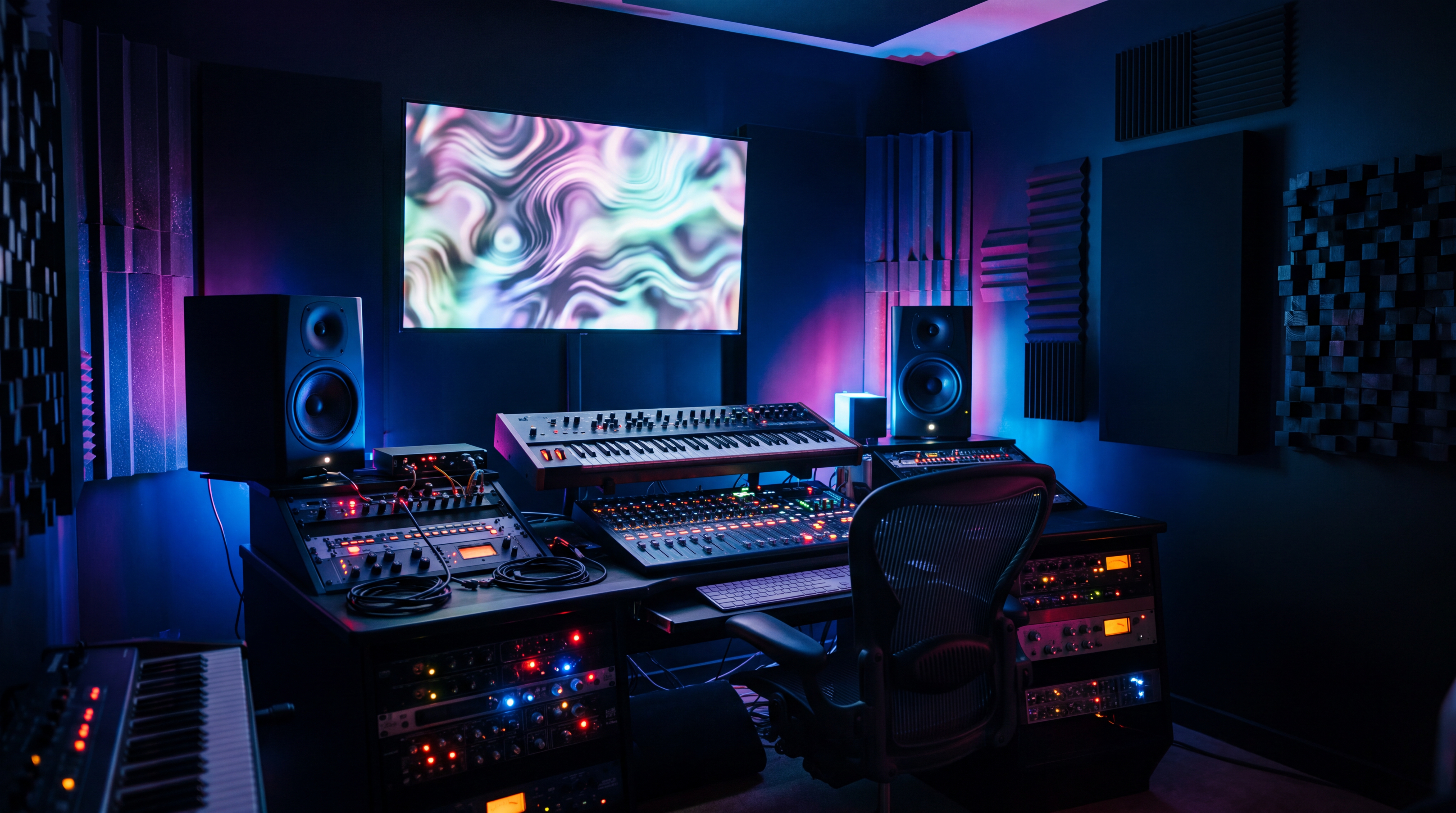
Musicians and independent producers use AI video generators to create atmospheric backdrop loops, short canvas clips for streaming platforms, and lyric video backgrounds without booking costly studio sets or camera crews. By entering descriptive prompts into text to video tools, you can match visual aesthetics directly to the tempo, color palette, and emotional tone of your track.
3 Ways Musicians Use AI-Generated Visuals
- Spotify Canvas Clips: Short vertical loops added to streaming tracks to engage listeners on mobile screens.
- Lyric Video Backdrops: Atmospheric video scenes used as backgrounds while synchronized lyrics are overlaid in post-production.
- Social Teasers and Track Promos: Eye-catching visual snippets used on social platforms to announce single releases or tour dates.
Generating video clips allows solo artists and self-funded labels to produce consistent visual branding for every single release. Instead of reusing static cover art across platforms, dynamic video loops keep audiences watching longer during track streams and social scrolls.
Prompt Blueprints for Music Genres
When building visuals for music, the prompt should describe lighting, motion, mood, and visual style rather than narrative story beats. You can select pre-set options like Cinematic, Anime, Vlog, or 3D Render to lock in the baseline look in Qiroq.
Here are effective prompt blueprints organized by sound profiles:
- Lofi and Chillhop: Rainy city window at dusk, glowing yellow ambient lamp indoor light, steam rising from a cup, warm cozy color palette, soft focus movement, Anime style.
- Synthwave and Retrowave: Endless grid highway at night, glowing magenta neon skyline, digital grid sunset, retro aesthetic, steady motion camera, Cinematic style.
- Atmospheric Ambient and Drone: Slow drifting volumetric smoke in an ancient dark stone cathedral, shafts of sunlight piercing through dust, ultra slow movement, Cinematic style.
- Upbeat Electronic and Dance: Abstract geometric metallic chrome shapes shifting and floating in zero gravity, vibrant laser pulses, fast rhythmic lighting changes, 3D Render style.
- Indie and Acoustic: Golden hour field of tall grass swaying softly in the wind, lens flare, vintage warm cinematic film grade, subtle breeze motion, Cinematic style.
How to Build Clean Lyric Video Backgrounds
AI video tools are effective at generating moody environments, but AI models are not designed for exact on-screen text or logos. If you prompt an AI to write your lyrics into the generated video, the letters will likely appear warped or misspelled.
The standard professional workflow is to generate a clean visual backdrop with AI, import that video into your preferred editing tool, and layer your text overlays cleanly on top. Follow these composition guidelines when creating lyric backdrops:
- Keep the center uncluttered: Prompt for wide shots or offset subjects so your centered lyrics remain readable.
- Avoid jarring motion: Request slow camera movements like slow pan or gentle drift to prevent motion sickness behind reading text.
- Maintain color contrast: If your lyrics are white, prompt for darker, moody, or dimly lit scenes so the words stand out without requiring heavy drop shadows.
Choosing Lengths, Resolutions, and Credit Budgets
Different platforms require different specs for video visualizers. Qiroq supports video lengths of 5, 10 or 15 seconds and rendering resolutions including 480p, 720p and 1080p.
For quick social teasers or rapid concept testing, lower resolutions process quickly. For final release tracks and YouTube uploads, exporting in higher clarity is recommended. Read our guide on 480p, 720p or 1080p: which resolution should you generate? to choose the right rendering setting for your project.
Generation costs depend on the length and resolution you select. For example, a 5-second 480p clip costs 30 credits, while a 10-second 1080p video costs 200 credits. New accounts start with 500 free credits upon sign-up, allowing you to test several prompt variations for your single before spending anything.
Step-by-Step Workflow for Your Next Release
- Define your track theme: Pick three descriptive keywords covering lighting, environment, and movement that match your track's mood.
- Generate base clips: Produce two or three 5-second or 10-second visual variations using your chosen prompts.
- Loop or stitch in editing: Bring the generated video into your editing software, loop the background seamless across the full audio track, or cut between clips on musical transitions.
- Layer text overlays: Add your song title, artist name, and synchronized lyrics using clear typography.
- Export target formats: Render a 9:16 vertical version for social teasers and streaming canvases, alongside a 16:9 horizontal version for full-length video platforms.
Frequently asked questions
- How do I make a lyric video background with AI?
- Generate a clean visual backdrop in Qiroq using descriptive prompts for mood and lighting without including text. Afterwards, import the generated clip into your editing software and add synchronized text overlays on top.
- Can I generate text or lyrics directly inside the video?
- No, you should avoid prompting the AI to render on-screen text or logos because letters often appear warped or misspelled. Instead, generate a clean backdrop and layer your typography in post-production using video editing software.
- What video lengths and resolutions can I generate for music visuals?
- You can generate videos in lengths of 5, 10 or 15 seconds and rendering resolutions including 480p, 720p and 1080p. Lower resolutions process quickly for teasers, whereas higher clarity is recommended for final track releases.
- How many credits does a music video clip cost?
- Credit costs depend on the length and resolution you select, ranging from 10 to 320 credits per video. For example, a 5-second 480p clip costs 30 credits, while a 10-second 1080p video costs 200 credits.