How to Use AI Video for Podcasts to Create Teaser Clips
Learn how to generate atmospheric B-roll, visual hooks, and cinematic teasers using AI video for podcasts to convert social scrollers into listeners.
By Qiroq team · Published
Using AI video for podcasts allows creators to convert standalone audio clips into eye-catching visual teasers for social media. Instead of relying on static graphics or simple moving waveforms, podcasters can generate dramatic background visual B-roll, cinematic metaphors, and atmospheric footage directly from text prompts. These visual clips pair with audio highlights to hook social media scrollers and convert them into full-episode listeners.
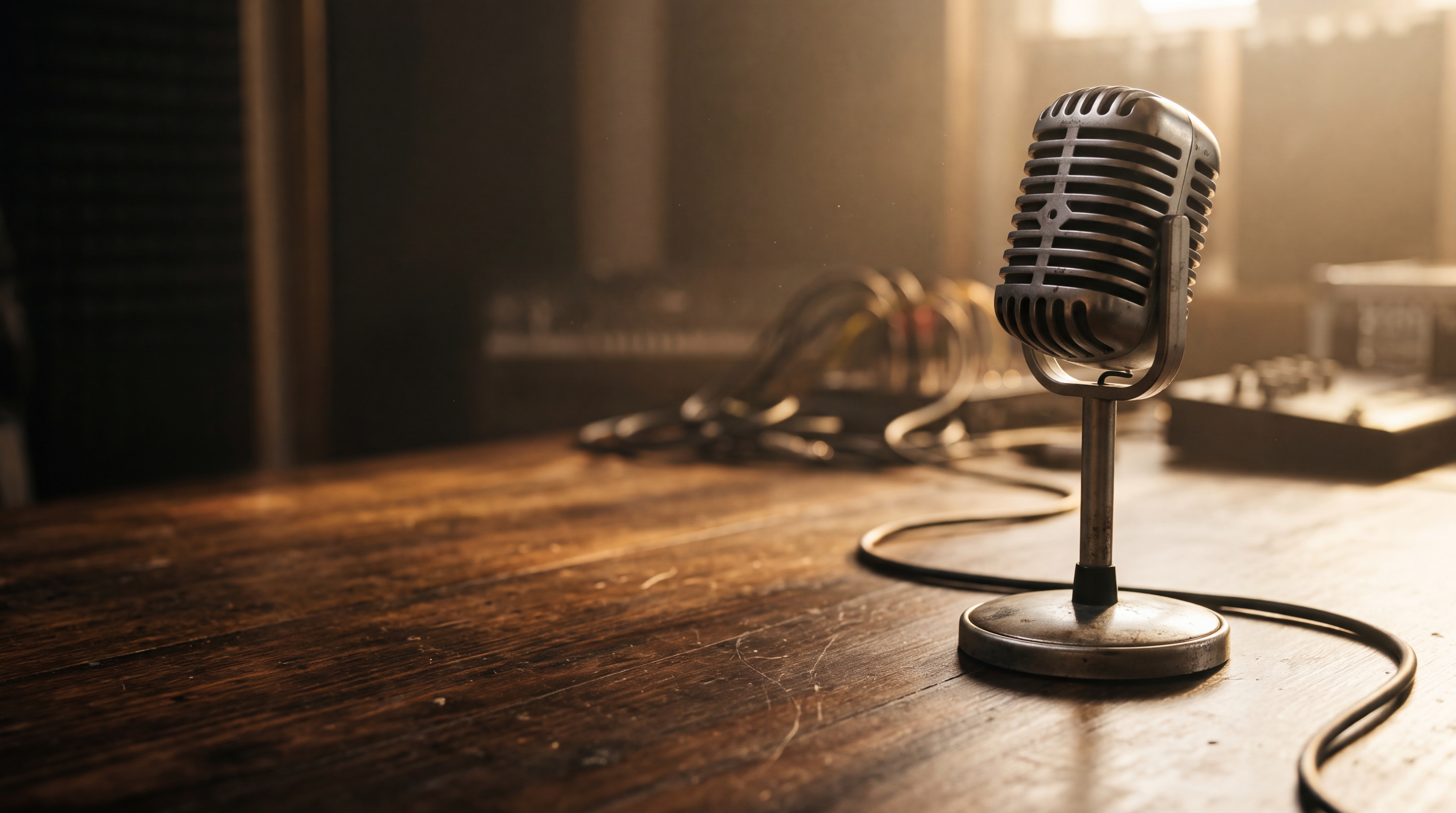
Why Waveforms and Static Images No Longer Stop the Scroll
For years, podcasters promoted new episodes using audiograms—a static image with an animated audio waveform layered on top. While audiograms were an improvement over simple text posts, social media feeds have shifted almost entirely toward video. Platforms prioritize active, visually rich content over static graphics. When a user scrolls past a waveform, there is little visual momentum to catch their eye before they move on.
Integrating text to video into your podcast marketing changes this dynamic. By generating moving footage that illustrates the story being told in your audio clip, you give the viewer an immediate visual reason to pause. Whether your podcast covers true crime, business strategy, science, or personal storytelling, adding topic-driven video clips transforms audio hooks into complete visual trailers.
3 Visual Teaser Concepts for Podcast Promos
You do not need camera crews or stock footage libraries to produce compelling teasers. Here are three effective visual concepts you can build using generated video:
- Topic-Specific B-Roll: If your guest is discussing deep-sea exploration, aviation, or ancient history, generate visual clips showing that exact environment. The viewer sees the subject matter as they hear the spoken words.
- Visual Metaphors: When episodes focus on abstract topics like finance, psychology, or negotiation, use symbolic imagery. A high-stakes conversation can be framed with cinematic shots of a chessboard in dim lighting or a clock ticking down in a shadowy office.
- Atmospheric Ambient Loops: For conversational or storytelling podcasts, rich background atmosphere sets the emotional tone. A rainy window, a glowing city street at dusk, or a cozy fireside scene gives your audio a polished production value.
Step-by-Step Workflow: Turn Podcast Audio into Video Clips
Creating promo clips with an AI video generator for YouTube Shorts or social feeds takes only a few minutes once you establish a simple post-production routine.
- Select your best audio hook: Find a compelling statement or story segment from your episode. Keep the audio excerpt brief and focused on a single strong idea.
- Write a focused prompt: Translate the narrative or emotion of the audio segment into descriptive visual details. Focus on subject, setting, lighting, camera motion, and visual mood.
- Choose your output settings: Select your preferred visual style, such as Cinematic or Vlog, and pick your target resolution.
- Combine audio and visual in your editor: Import your generated clip into your editing software, align your podcast audio highlight over the footage, and overlay auto-generated subtitles for viewers watching on mute.
Prompting Techniques for Podcast Visuals
To produce visual clips that feel tailored to your show, avoid overly broad prompts. Detailed descriptions of lighting, camera angles, and atmospheric elements yield the most stable visual results. If you are looking for specific prompt structures, review our guide on AI video prompt examples to see effective phrasing in action.
For example, if your podcast episode discusses startup founders taking risks, a prompt like 'cinematic slow pan across an empty modern office at night, glowing city lights visible through floor-to-ceiling glass windows, moody blue lighting, dramatic film grain' creates an immediate visual mood.
When creating these clips, keep in mind what generated video does best. It excels at establishing mood, movement, and atmospheric scenery. However, generated video is not designed for exact on-screen text, complex logos, or long continuous dialogue scenes with exact lip synchronization. Use generated footage as visual B-roll while using standard caption overlays in your editor for text.
Production Costs and Credit Efficiency
Building a weekly promotional routine is straightforward when you understand visual generation costs. Platform balances operate on a clear credit system, so you can plan your promotional pipeline without unexpected expenses.
New creators can sign up to receive 500 free credits without entering a credit card. These initial credits never expire, allowing you to test clip concepts at your own pace. When you generate clips, cost varies by resolution and clip length. For example, generating a short clip at 1080p costs 100 credits, while a longer 1080p visual segment costs 320 credits. Lower resolutions like 480p cost as little as 30 credits for short promos. You can learn more about how credits work on our pricing page or read our breakdown of how to make YouTube Shorts with AI video to optimize your content workflow.
Start Turning Audio Highlights into Scroll-Stopping Clips
Converting your podcast audio into engaging social video no longer requires expensive stock footage subscriptions or tedious video shoots. By pairing your strongest audio moments with AI-generated background visuals, you create polished teaser clips that capture feed attention and direct new listeners straight to your full show.
Frequently asked questions
- How do I turn podcast audio into video teasers?
- You can select a short audio hook from your episode and write a descriptive text prompt to generate matching visual B-roll on Qiroq. Next, choose your preferred visual style and resolution before pairing the generated footage with your audio excerpt and subtitles in a video editor.
- Can AI video generate exact lip sync for long podcast dialogue?
- No, generated video is designed primarily for mood, movement, and atmospheric background scenery. It is not intended for long continuous dialogue scenes with exact lip synchronization or custom logos. Creators should use generated footage as visual B-roll while overlaying standard captions in an editor.
- How many free credits do I get when signing up?
- New creators receive 500 free credits upon sign-up without needing a credit card. These initial credits never expire, allowing you to test video clip concepts at your own pace.
- How many credits does it cost to generate a video clip?
- Credit costs depend on the chosen video resolution and clip duration. For instance, generating a short clip at 1080p costs 100 credits, while a longer 1080p segment takes 320 credits. Lower resolutions like 480p start as low as 30 credits for short clips.